
Free online image resize. Resize, crop, and compress images in seconds with zero quality loss.
Image yahan drop karein ya click karke choose karein
JPG, PNG, WebP, GIF support — saara processing aapke browser mein hota hai
Kaise Use Karein?
Image Upload Karein
JPG, PNG, WebP ya GIF image drag karein ya click karke choose karein
Size Set Karein
Width/height dalein ya preset choose karein. Aspect ratio lock rakhein
Download Karein
Format aur quality choose karein, resize karein aur download karein
Features
100% Private
Image kabhi server par upload nahi hoti — sab browser mein hota hai
Bilkul Free
Koi signup, koi payment, koi limit nahi
3 Formats
JPEG, PNG aur WebP mein export karein apni zarurat ke hisaab se
Mobile Ready
Phone aur tablet par bhi perfectly kaam karta hai
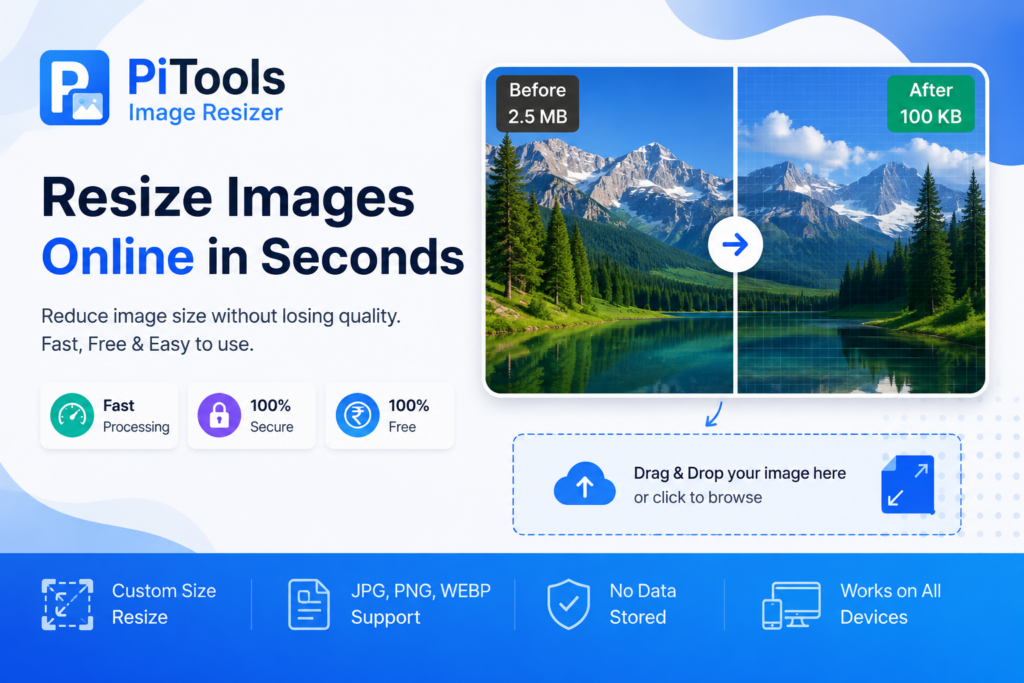
How to Resize Images to KB Online for Free, Complete Guide.
Table of Contents
Introduction of Pitools Image Resizer
Managing image file sizes is a fundamental task in digital work. Whether you're applying for a job online, uploading documents to a government portal, optimizing website media, or sending email attachments, there are often strict size limits (like less than 20 KB, 50 KB, or 100 KB). To solve this problem, we've created an image resize tool that helps you fit your photos and images to all these sizes.
You don’t have to install complex desktop software like Photoshop or GIMP, you can use our website PiTools Resize Image, free online image resize tool to reduce image file size in KB. A quick, light and browser based solution that compresses or resize images to your KB target without compromising image quality.
What is Image Compression to KB?
Image compression reduces the digital footprint (file size in kilobytes or megabytes) of a photo by optimizing pixel data, removing unnecessary metadata (EXIF data), and adjusting compression algorithms.
- Lossless Compression: Reduces file size without altering original pixel clarity by eliminating redundant metadata.
- Lossy Compression: Selectively discards non-critical image data to achieve drastic file size reduction (ideal for fitting strict portal limits like 50 KB).
Step-by-Step Guide: How to Resize Image to KB Using PiTools
Shrinking your image to a specific KB limit on PiTools Image Resizer involves four simple steps:
Step 1: Open the Web Tool
Navigate to (https://pitools.xyz/resize-image-to-kb-online-free/) in any web browser on your phone, tablet, or desktop.
Step 2: Upload Your Image
Click "Upload Image" or "Choose File" to select the target JPG, JPEG, or PNG image from your device storage.
Step 3: Set Your Target Size (in KB)
Enter your desired size in kilobytes (e.g., 20 KB, 50 KB, or 200 KB) or adjust the compression slider to reach your required limit.
Step 4: Compress and Download
Click "Resize / Compress Image", preview the output file size, and tap "Download" to save the optimized image directly to your device.
Key Features & Advantages
| Feature | Description |
|---|---|
| Exact Size Target | Easily compress photos to specific KB targets (e.g., under 50 KB or 100 KB) for online forms. |
| 100% Free & Unlimited | Process as many images as you need with zero subscription fees, hidden costs, or watermarks. |
| Privacy & Security | Images are processed securely in your browser and automatically removed from servers post-editing. |
| Instant Speed | Fast browser-side rendering ensures file compression takes only a few seconds. |
| No Registration Required | Skip account creation, email verification, and login hurdles to edit immediately. |
| Cross-Platform Compatibility | Works seamlessly across mobile platforms (Android, iOS) and desktop OS (Windows, macOS, Linux). |
Frequently Asked Questions (FAQs)
1. How can I resize an image to a specific KB size for free?
You can use the online tool at (https://pitools.xyz/resize-image-to-kb-online-free/) by uploading your photo, entering your required size (such as 20 KB or 50 KB), clicking compress, and downloading the resized image instantly.
2. What is the best tool to resize images without losing quality (online)?
(https://pitools.xyz/resize-image-to-kb-online-free/) best image resizer without losing quality and gives you.
3. What is the easiest way to resize JPG, PNG and WebP images online?
You can upload your jpg, png and webp images in this tool and resize them to your desired size.
5. Can I use this image resizer tool on my smartphone?
Yes, PiTools is fully responsive and compatible with all mobile web browsers on both Android and iOS devices, as well as desktop computers.